Home
Get Started
Download
Documentation
Download the SysSocial launcher :
Instructions :
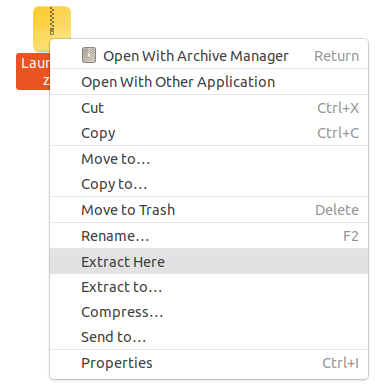
Step 1 : Extract the package you just downloaded.
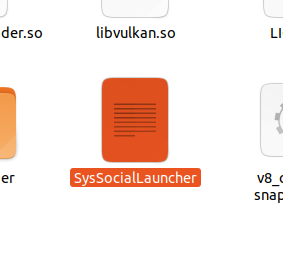
Step 2 : Launch the executable called "SysSocialLauncher"
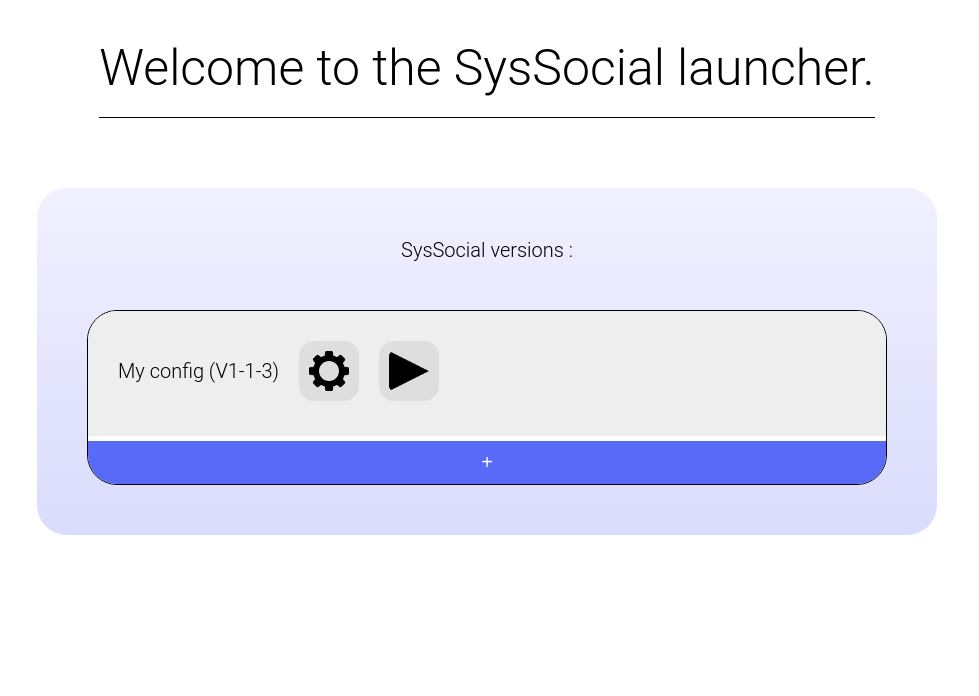
Step 3 : You're done ! You're in the SysSocial launcher ! From there, you can install SysSocial versions, configure them and launch them.